◻
Case Records
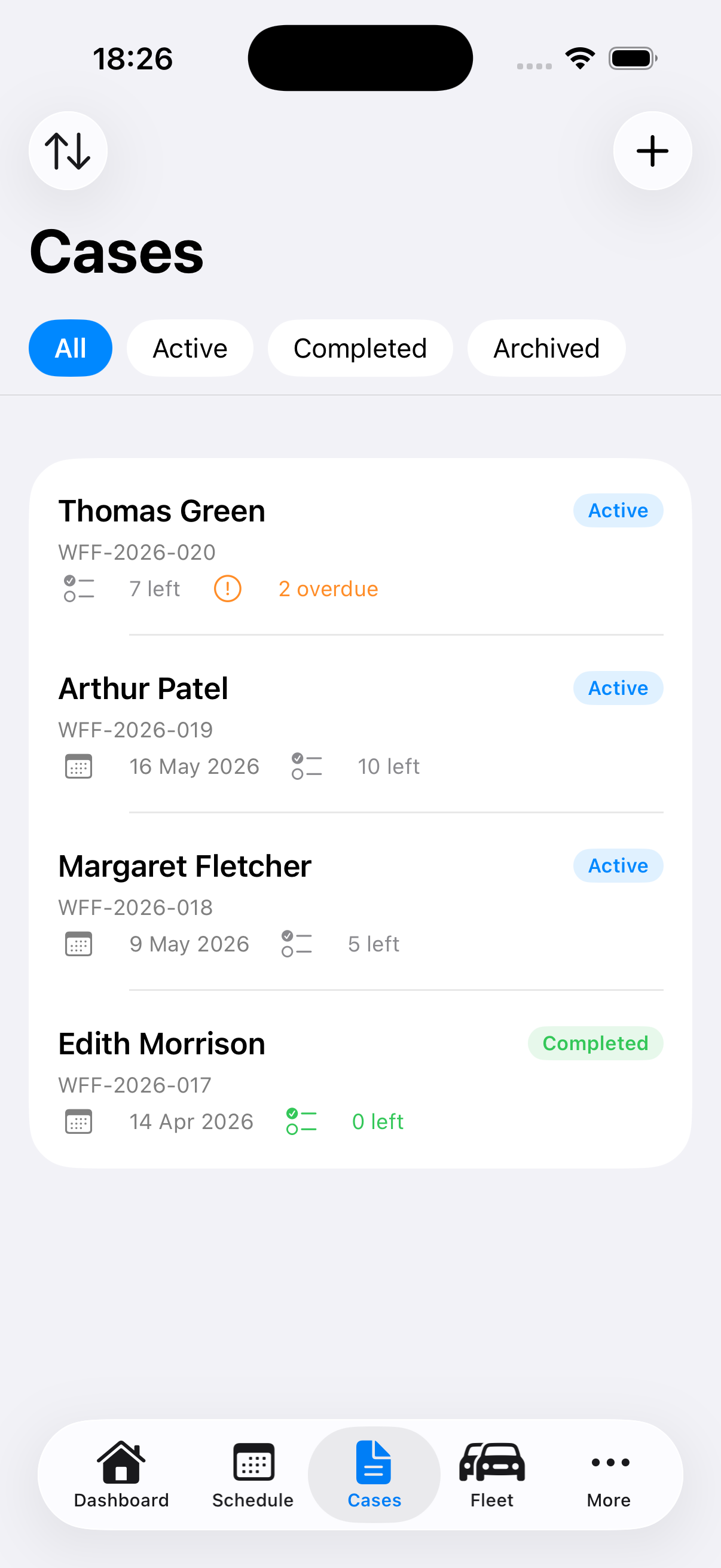
A full digital record for each arrangement — first call, deceased details, next of kin, funeral plan details, coffin selection, repatriation handling, ceremony notes, music, officiant, bearers, departure logistics, and memorial notices. Auto-numbered with your own case prefix. Clone existing cases to speed up similar arrangements. Track case source and referral type for every record.
✓
Arrangement Checklists
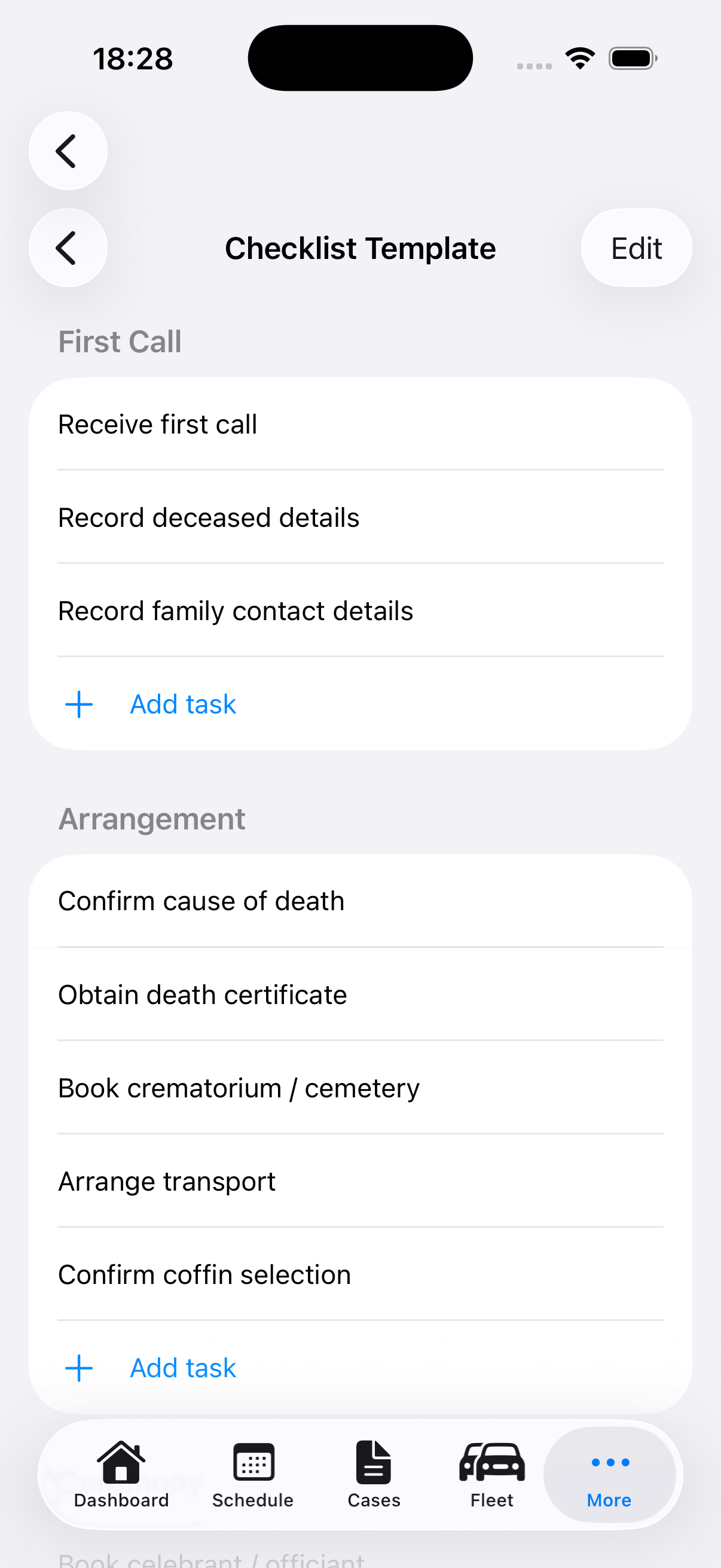
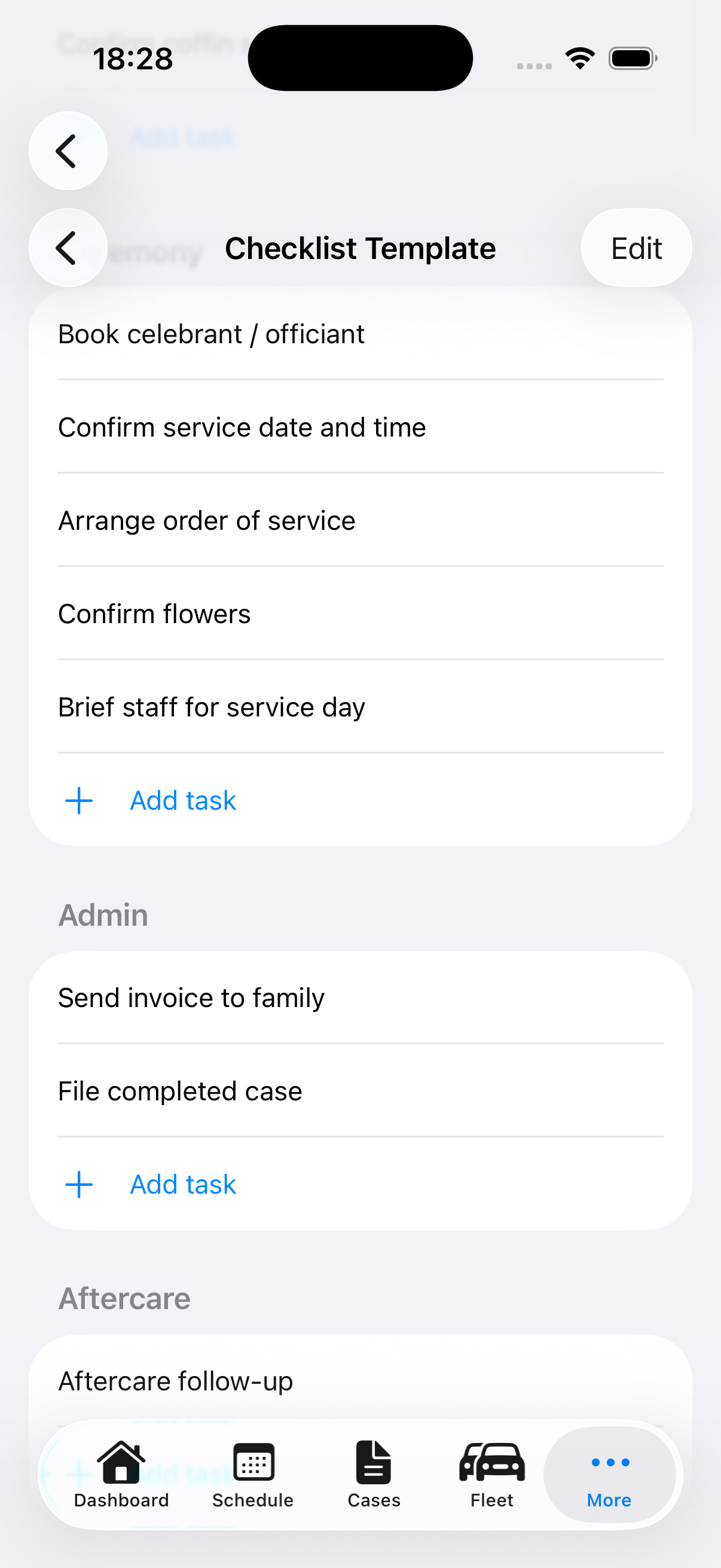
Customisable task templates applied automatically to every new case. Track progress across five categories — first call, arrangement, ceremony, admin, and aftercare. Assign tasks with due dates and overdue alerts.
📄
Documents, Scanning & Signatures
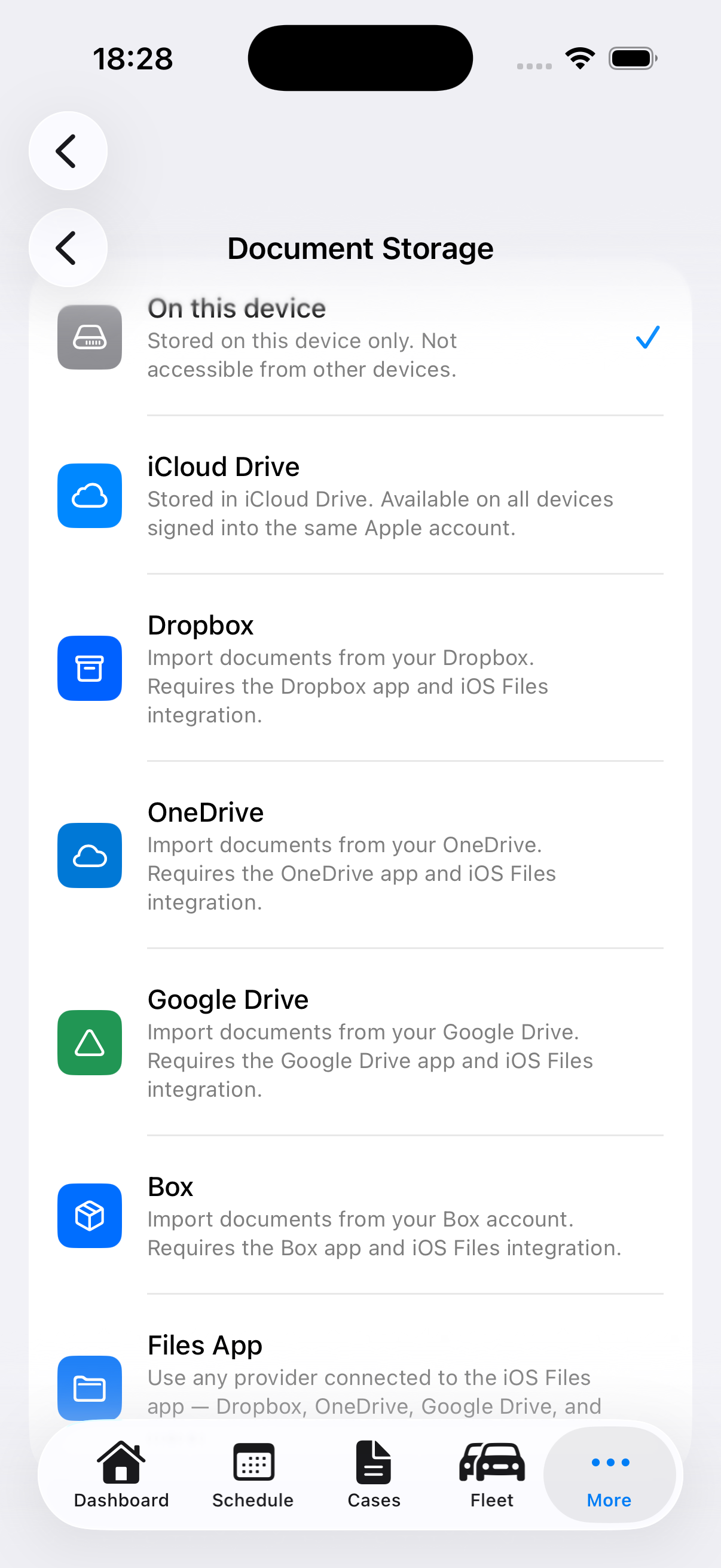
Attach files from iCloud Drive, Dropbox, OneDrive, Google Drive, Box, or device storage. Scan physical documents with the camera, capture signatures, and generate signed arrangement or cremation documents as PDFs.
☑
Case Readiness Checks
See at a glance whether a case is service-ready. The readiness panel checks service date, venue, primary contact, staff assignment, required documents, checklist completion, care log currency, forms, and balance status.
↻
Care Log & Audit Trail
Record admission into care, transfers, identification, preparation, viewing, release, ashes events, and welfare checks. The Activity tab keeps a case audit trail for signatures, document exports, billing actions, and manual notes.
▣
Family Packs & Job Sheets
Create a family-facing document pack with summary, arrangement confirmation, estimate or invoice, and cremation or burial paperwork. Export an internal operations brief for service-day team, suppliers, vehicles, tasks, and care notes.
◷
Schedule, Dashboard & Reports
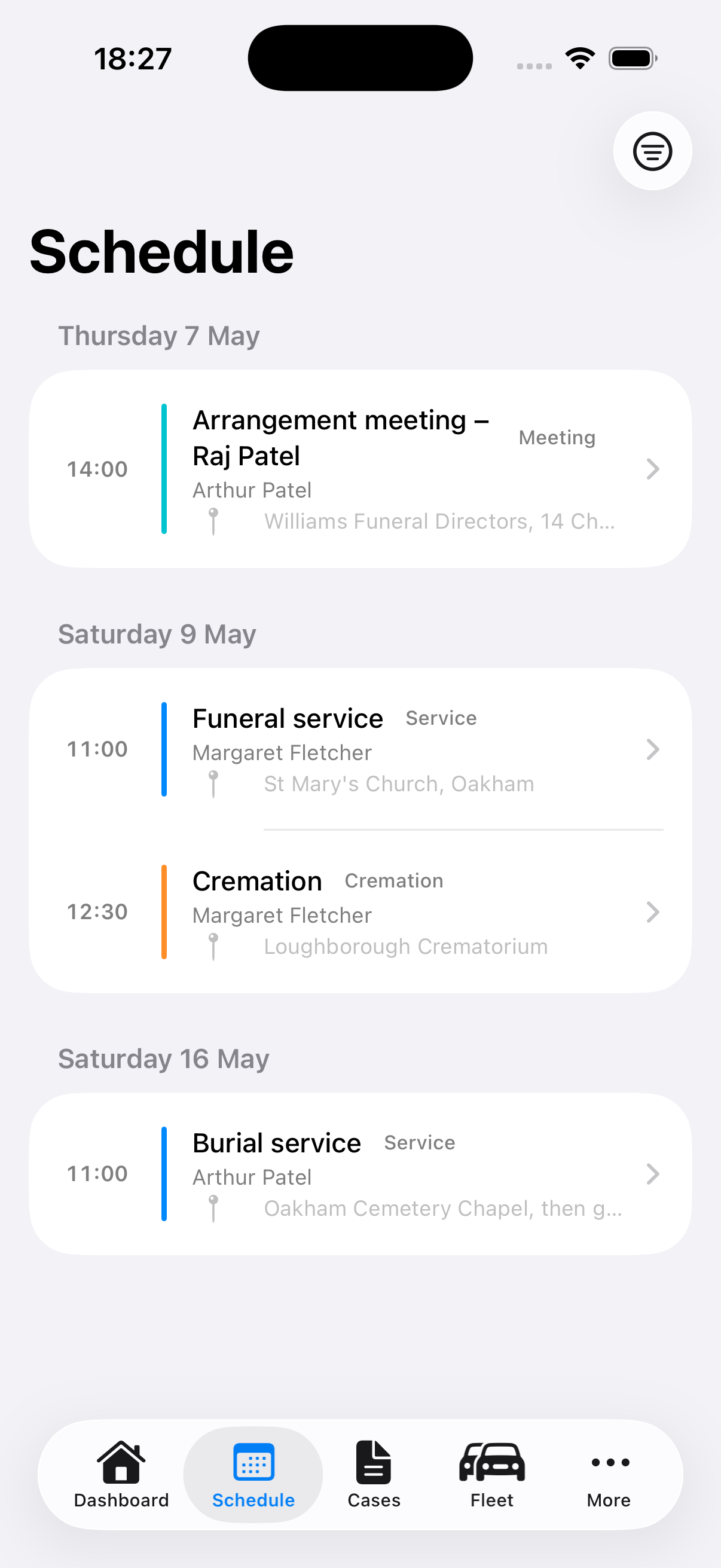
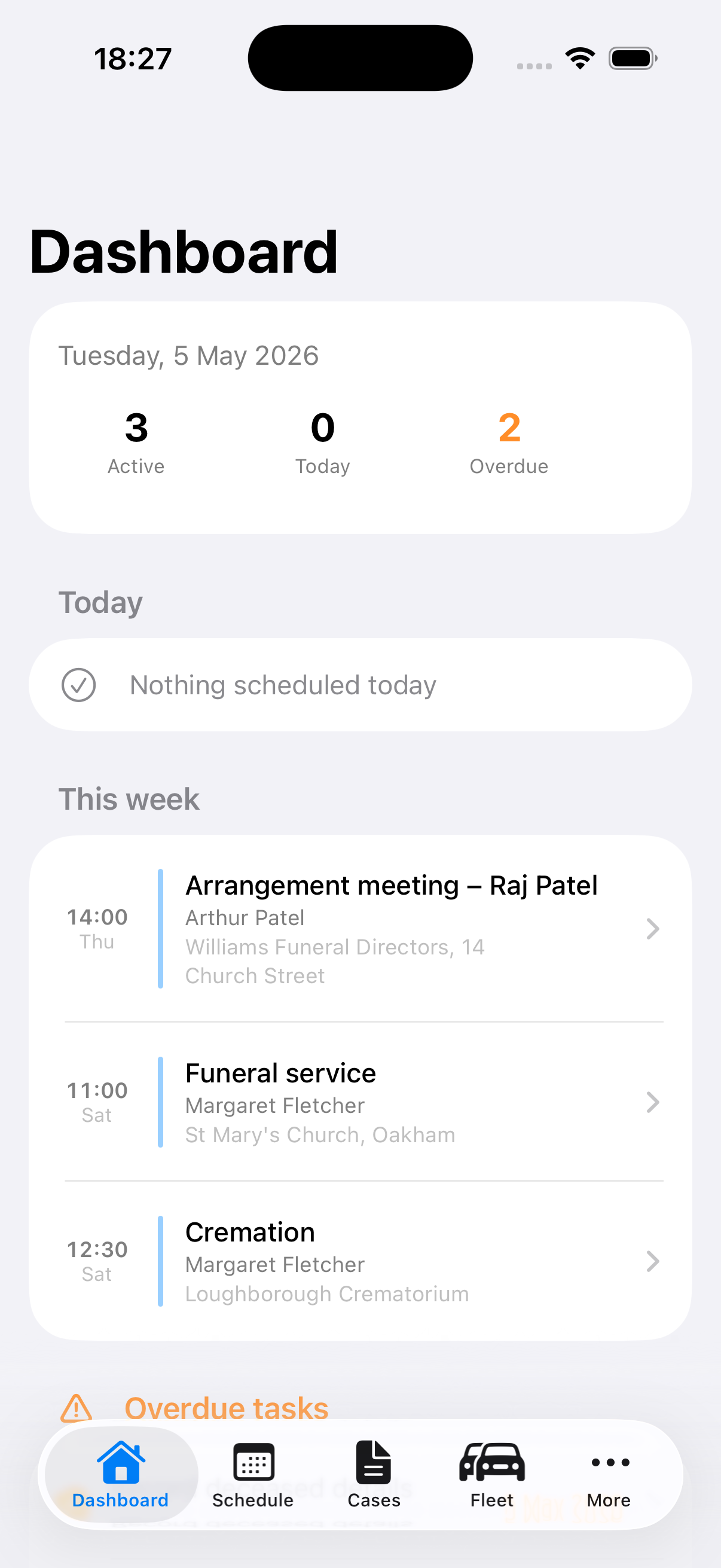
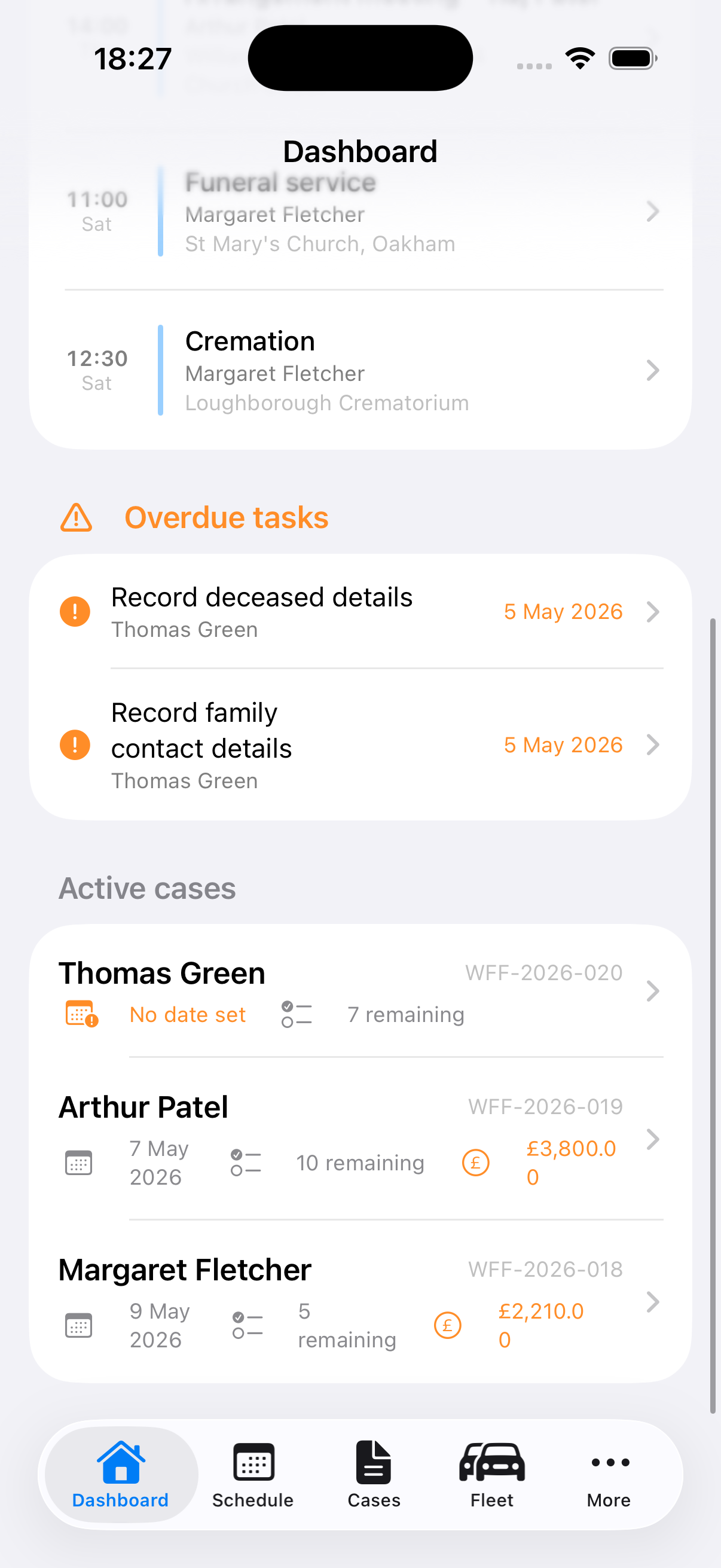
Service, cremation, burial, chapel visit, and meeting dates per case — with location, staff, and transport notes. The Dashboard shows today's services, overdue tasks, and monthly revenue. Reports include volume, revenue, average case value, and a referral source breakdown chart.
👤
Family Contacts & Notes
Record next of kin and family contacts with phone, email, address, and relationship. Flag the primary contact. Add timestamped case notes with your name — a running log of calls, decisions, and conversations.
≡
Suppliers
Track crematorium, cemetery, celebrant, florist, transport, and other suppliers with booking references, contact details, and confirmation status — all linked to the case.
£
Estimates, Invoices & Receipts
Line-item payments with outstanding, part paid, paid, or waived status. Generate estimate, invoice, and receipt PDFs, email them from the case, and keep billing actions in the activity log.
★
Pre-Need Cases
Record pre-arranged wishes, budget, plan provider, policy details, nominated contact, and review date. Convert a pre-need case to at-need and automatically create the follow-up tasks your team needs.
🚗
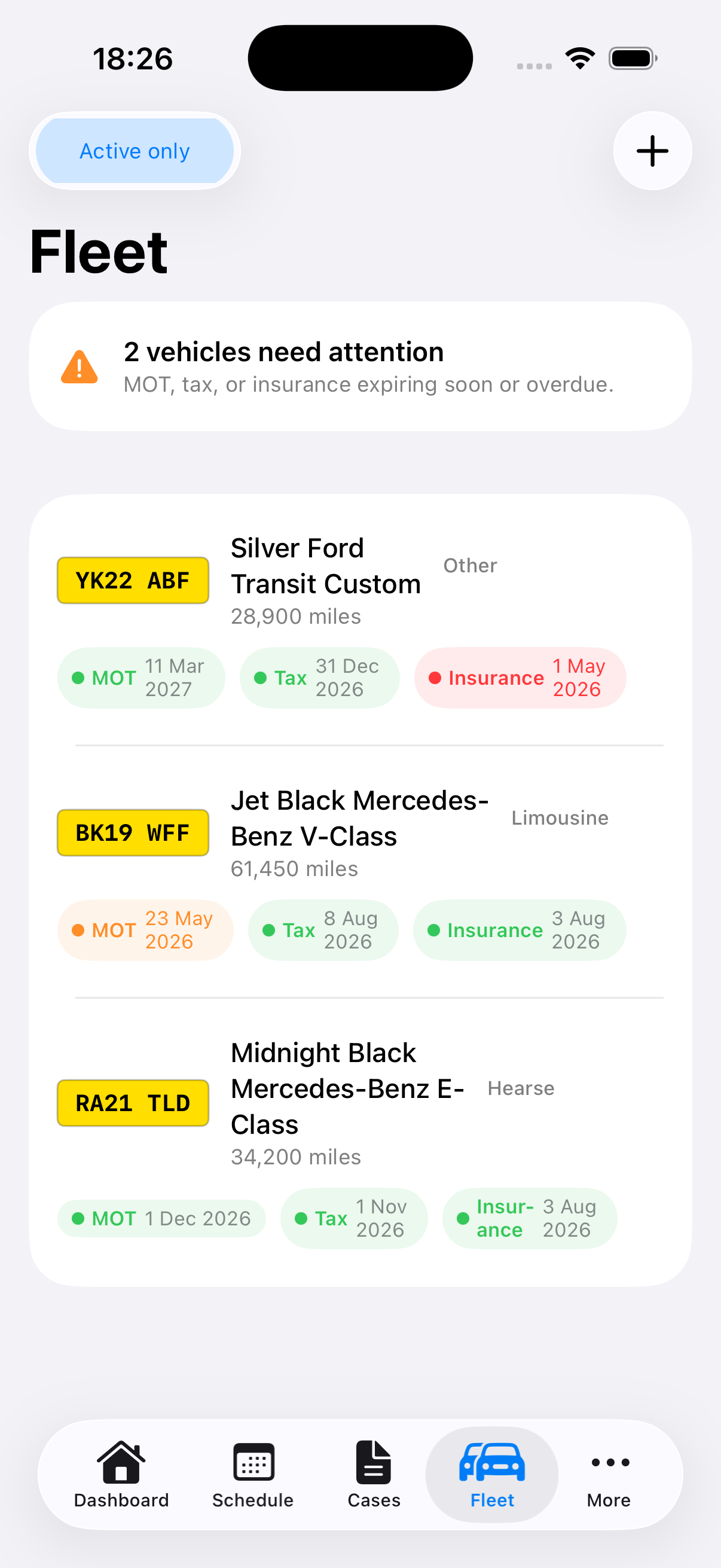
Fleet Management
Track hearse, limousines, and support vehicles with MOT, road tax, and insurance expiry dates. Automatic reminders 30 and 7 days before anything lapses. Expired alerts shown immediately on the Fleet screen.
🏅
Staff Certifications & CPD
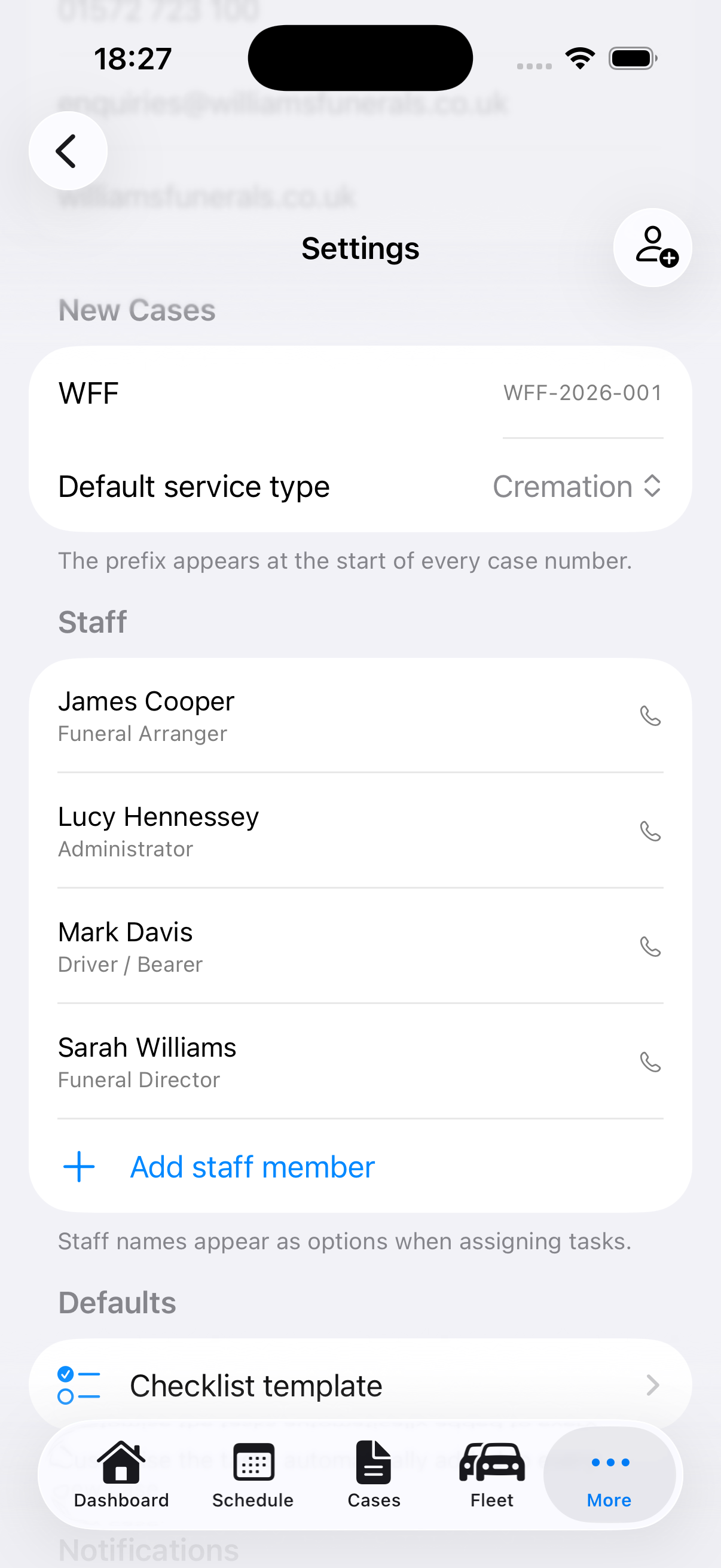
Track qualifications, licences, and CPD certificates for your team — with issue and expiry dates, issuing body, and licence number. Colour-coded alerts for expired and expiring-soon certifications, visible directly from Settings.
📦
Inventory Management
Monitor coffin, casket, urn, and supply stock levels. Set reorder thresholds and get instant low-stock and out-of-stock alerts. Filter by category and record supplier details per item.
✉
Email Templates
Build a library of reusable email templates — arrangement confirmations, aftercare letters, invoices, and more. Load any template directly from the Comms tab when writing to a family.
✦
AI Tools
Generate a structured handover note from any open case — covering deceased details, outstanding tasks, pending documents, and recent notes. Run a compliance check against your region’s legal requirements. Powered by Apple Intelligence, on-device and private.